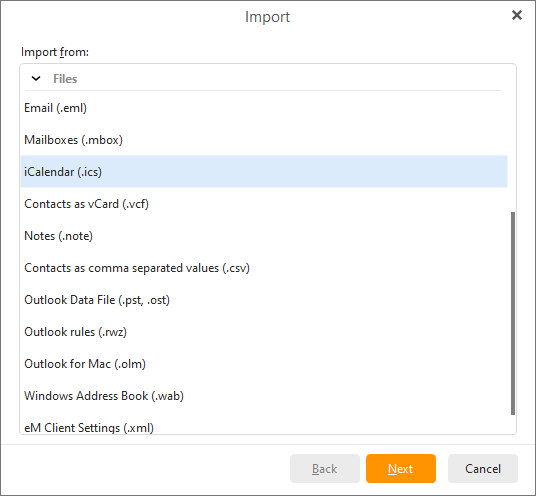
To import iCalendar events from .ics files select Menu -> File -> Import in the main menu:
Select the Import events from iCalendar (.ics) option and click on Next>:
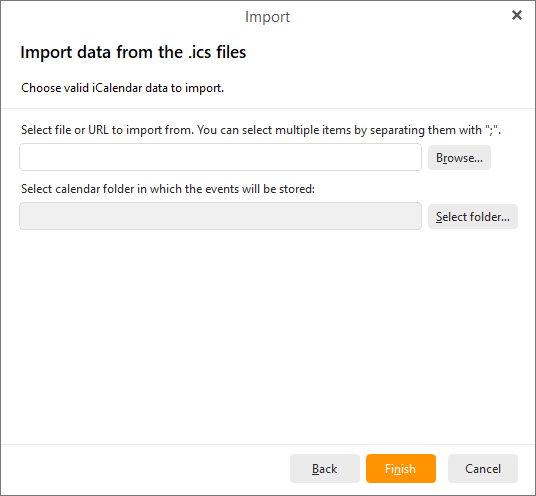
Click on Browse... to specify an Internet location or a local folder containing the .ics files.
Click on Select folder... next to the second address bar to select a calendar folder in which your events will be stored.
Click on Finish to complete the importing process and close the wizard.